Agentic Ops · Cohort 01 · June 2

Build an AI ops layer
for your firm.

For accountants, bookkeepers, and consultants who want agents handling intake, follow-up, triage, reconciliation prep, and recurring ops without hiring or changing how the firm already works.

Reserve Your Seat →

Small founding cohort · Starts June 2

claude
> claude --agent ops
Agent connected to Telegram
> scheduling morning-brief --time 7:30am
Schedule set: 7:30 AM ET daily
> client-triage --inbox gmail
3 emails flagged, 1 urgent
> status
ops-agent RUNNING uptime 14d 6h
dev-agent RUNNING uptime 3d 2h
content RUNNING uptime 7d 11h

This is what your agent setup looks like. You type what you want. It builds it.

Antonio Urbina Jr. Taught by Antonio Urbina Jr.
ops-agent: RUNNING
client-intake: RUNNING
morning-brief: RUNNING
AI-powered accounting firm - from chaos to clarity

Agents connect to the tools you already use.

Not a course platform. Not a newsletter. A 6-week build room where you deploy practical agent systems into real client work.

20+ years enterprise systems · agentic ops since Jan 2026
What is Agentic Ops?

AI agents that fit how your firm already works

A tool asks you to change your workflow. A good agent fits into the workflow you already have. Intake, document follow-up, reconciliation prep, morning briefs, and status updates, built around your process and your review steps.

One of my clients in South Florida tried three AI tools in two years. None of them stuck. He didn't need a smarter tool. He needed one that had been paying attention.

Agents configured around your process, not a template Your clients, your exceptions, your review checkpoints Deployed in 6 weeks. Running on real work.

The Problem

You already have a business.
These are the walls you keep hitting.

01

You hired someone. They left.

Training takes months. Then they leave. Tax season hits and you're short a person again.

02

You review everything twice.

You can't trust output you didn't produce. So you check everything. That's not management. It's double work.

03

You've already tried the tools.

TaxDome. Karbon. Keeper. Each one asked you to change how you work. Most sat half-adopted.

Sound familiar? You're about to meet 39 other people who get it.

Join the Waitlist →
How It Works

Three steps. Six weeks. Deployed agents running real work.

Claude Code on mobile - check on your agents from anywhere

Check on your agents from anywhere.

01

Audit your operations

You map how your firm actually runs. Every handoff, every bottleneck. The agents start there.

02

Build your first agent

Claude Code handles one real job from your workflow this week. Email triage, status updates, or document follow-ups.

03

Ship a real client project

By week 6 you have a working system on real client work. Not a demo. Something you'd trust with an actual deadline.


The 6-Week Build

Deploy AI Agents in 6 Weeks

One deliverable per week. Live sessions Thursdays at 12 PM ET. By week 6, your agent stack is running on real client work.

Week 01
Foundations
Install your tools, build your first agent in 30 minutes, and map your business to an agent org chart.
Week 02
Data and Integrations
Connect agents to your tools: email, calendar, spreadsheets. Structured data in, structured data out.
Week 03
Workflows
Multi-step agent chains. Scheduling, triggers, and automated schedules. Telegram reporting so you always know what is happening.
Week 04
Client Deliverables
Build an agent that produces client-ready output. QA loops, review cycles, and version control for configs.
Week 05
Scaling
Run multiple agents in parallel. Monitor performance and costs. Handle edge cases without babysitting.
Week 06
Ship It
Deploy your agent stack to production. Hand off a real client project to agents. Document your setup.
Ship it - deploy to production
The tools you'll use
Preferred stack, practical workflows

Claude is the preferred stack shown in the cohort, but the bigger goal is teaching you how to deploy useful agent systems, with the right tools and hosting setup for each workflow.

Built around real workflows, not stack worship

You will see a Claude-first setup because it is the stack Antonio uses most today. But the point is not memorizing product names. The point is learning how to give agents the right context, boundaries, review gates, and execution environment so useful work keeps moving.

Claude Cowork building an intake agent for an accounting firm
This isn't a course - it's a deployment

This isn't a course. It's a deployment.

No prompt engineering. No giant tool roundups. No AI theater.

The shift happening now is bigger than chat. Agents can run longer tasks, use tools, and work across real workflows. Most firms still do not need more AI content. They need systems that help the work move.

That is what this cohort is for, six weeks of building practical agent systems with real review steps, real guardrails, and real business use cases.

What You'll Walk Away With

What you will actually leave with

By the end of the cohort, you should have a working stack tied to your own firm, not a folder full of ideas you still need to figure out later.

Client intake agent

A production-ready intake or triage agent mapped to your workflow

Automated morning brief

A daily brief or review system that surfaces what needs your eyes

Follow-up sequence

A follow-up or recurring admin workflow that keeps moving without babysitting

Reconciliation prep tool

An accounting-specific workflow like reconciliation prep, document routing, or status tracking


Is This You?

Built for CPAs and Accountants, Not Hobbyists

This is for you

  • CPAs and accounting firms with existing clients
  • Bookkeepers doing manual reconciliation work
  • Solo consultants billing by the hour
  • Financial advisors who want to scale without hiring
  • Anyone with a real business and real deliverables

This is not for you

  • You are trying to start a freelance "AI agency"
  • You do not have a business or clients yet
  • You want to learn AI for fun with no plan to use it
  • You're looking for someone to do it for you
Proof

What this already looks like in the real world

This is not hypothetical. These are the kinds of systems already running inside Antonio's consulting practice and client work.

CASE STUDY 01

Client operations assistant running the back office

AI agents now handle inbox monitoring, meeting prep, follow-up drafting, social approvals, news routing, and system checks across the business.

  • Fewer context-switches across tools and tabs
  • Faster daily triage and follow-up prep
  • Operational work gets surfaced before it slips

CASE STUDY 02

Client portal and email workflow automation

A production portal was built for a real client with customer access, order visibility, email parsing, and operational automation tied to live business workflows.

  • One inbox feeding operational actions
  • Manual handoffs reduced through agent-assisted routing
  • Real client use case, not a demo project

CASE STUDY 03

Reconciliation workflow built around real accounting operations

A payments and reconciliation workflow was designed around messy CSVs, exception handling, and the actual way a bookkeeping team works day to day.

  • Built around existing workflows instead of forcing a new one
  • Exception handling and review loops included from day one
  • Direct line from operations pain to agent-assisted system design

Your Instructor

Built by a practitioner who already runs this way

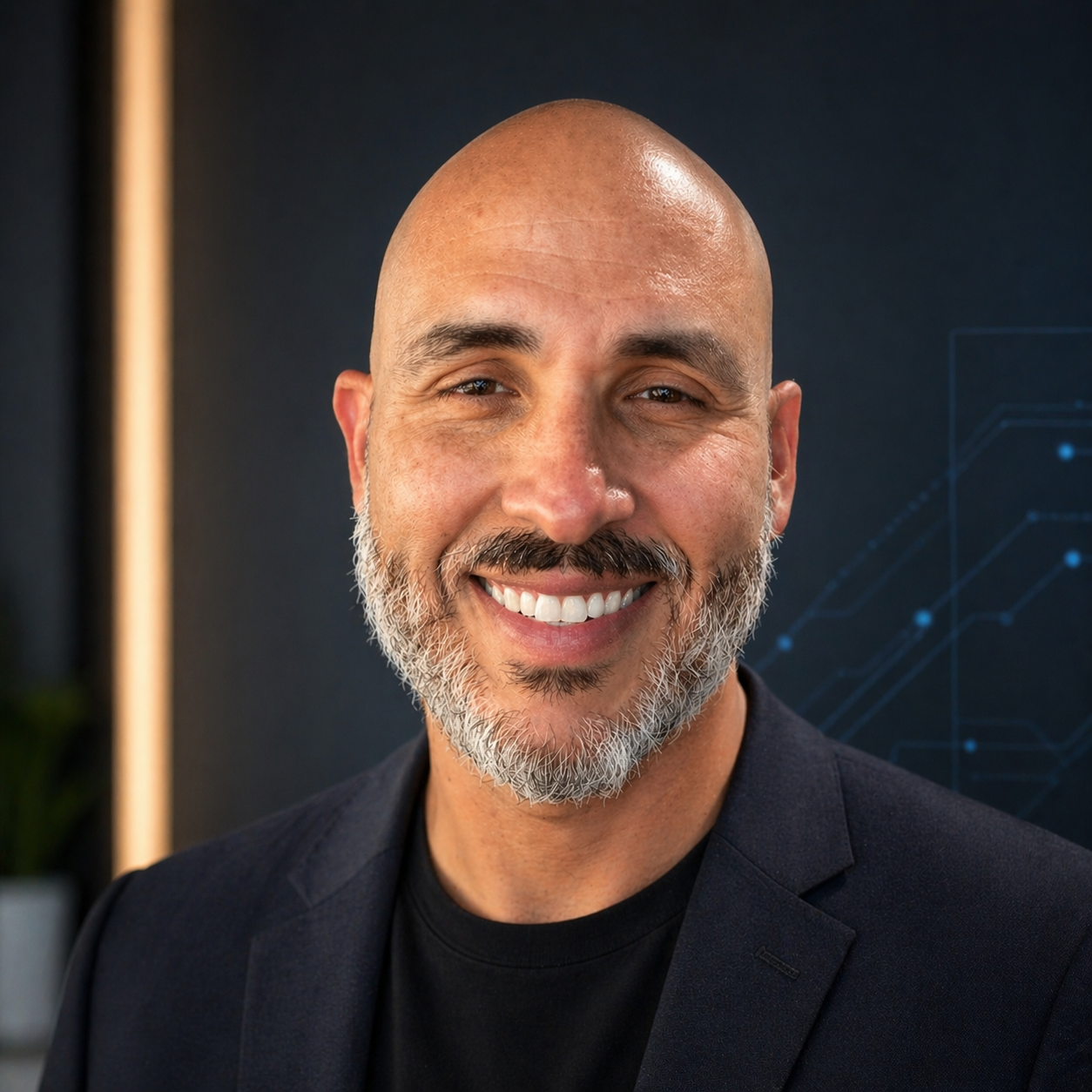
Antonio Urbina Jr.

Antonio Urbina Jr.

Agentic Ops Practitioner · Hollywood, FL

In January 2026, I realized I was running my entire consulting practice on 4 AI agents. No staff. No contractors. Just me and the systems I built.

Before that, 20 years of enterprise systems. Booz Allen. Zebra Technologies. Norwegian Cruise Line.

I left enterprise to work with small accounting firms in South Florida. Turns out they needed the same automation the big companies had. They didn't have the budget or the team.

I built this alone. You don't have to.

20+ years enterprise systems & consulting ✓ Running a full client load on AI agents since Jan 2026 ✓ Ships production agent systems every week
LinkedIn →

Join the Cohort

One founding price. One tight cohort.

All members get the full 6-week live cohort, recordings, templates, community, and a 14-day refund policy from the cohort start date. Waitlist gets first access.

Enrollment opens May 15. Waitlist gets first access to founding pricing.

🛡️
14-Day Money-Back Guarantee
From cohort start date
Your support experience IS the product. Founding cohort members get 24/7 access to an AI support agent trained on the full curriculum. It debugs your configs, answers questions, and troubleshoots agent setups, anytime, any timezone. It's the first agent you'll interact with before you build your own.

FAQ

Frequently Asked Questions

Running your firm's repetitive operations on AI agents instead of manual effort. You keep the judgment calls. Agents handle the rest.
The agents are configured around how your firm already works. Your setup, your review process, your edge cases. Most tools fail because they're built for a generic firm.
No. The entire stack is configuration, not code. If you can edit a text file and follow instructions, you can build this.
A supported AI model subscription, a Mac or Windows computer, and the willingness to configure a stack around your workflow. Mac is the smoothest experience. The core concepts do not depend on one vendor forever, even if Antonio shows the stack he uses today.
Not always. Some agent workflows can now run in hosted environments. Others still work best on your own machine, especially when they depend on local files, local apps, or logged-in browser sessions. The cohort shows you how to choose the right setup for each workflow.
Accounting firms, bookkeepers, consultants, and other service businesses with real clients, recurring work, and clear workflows. If you have deliverables, deadlines, and too much admin sitting on your plate, this is built for you.
About 3-4 hours. One recorded lesson, one live call, and hands-on project work. Live calls are recorded.
All recordings stay accessible. The cohort is intentionally kept small so you can catch up without getting lost, and you will have peers plus support if you get stuck.
Live sessions are Thursdays at 12:00 PM ET. Each session runs 60-90 minutes. All sessions are recorded if you can't make it live.
Yes. 14-day refund policy from cohort start date. If you join the waitlist early, your 14 days begin June 2. If you do the week 1 work and it is not right for you, full refund, no questions asked.
Cohort 1 opens June 2. Waitlist gets first access and a locked-in founding price.

Join the Waitlist

Enrollment opens May 15. Drop your email and we'll notify you first.

Founding cohort · June 2 Join the Waitlist →